10 Renter-Friendly TV Mount Ideas Without Drilling That Hold Your TV
10 renter friendly tv mount ideas without drilling, from floor stands and tension-pole mounts to freestanding consoles, with TV sizes, weights in pounds, viewing heights, and cable management.
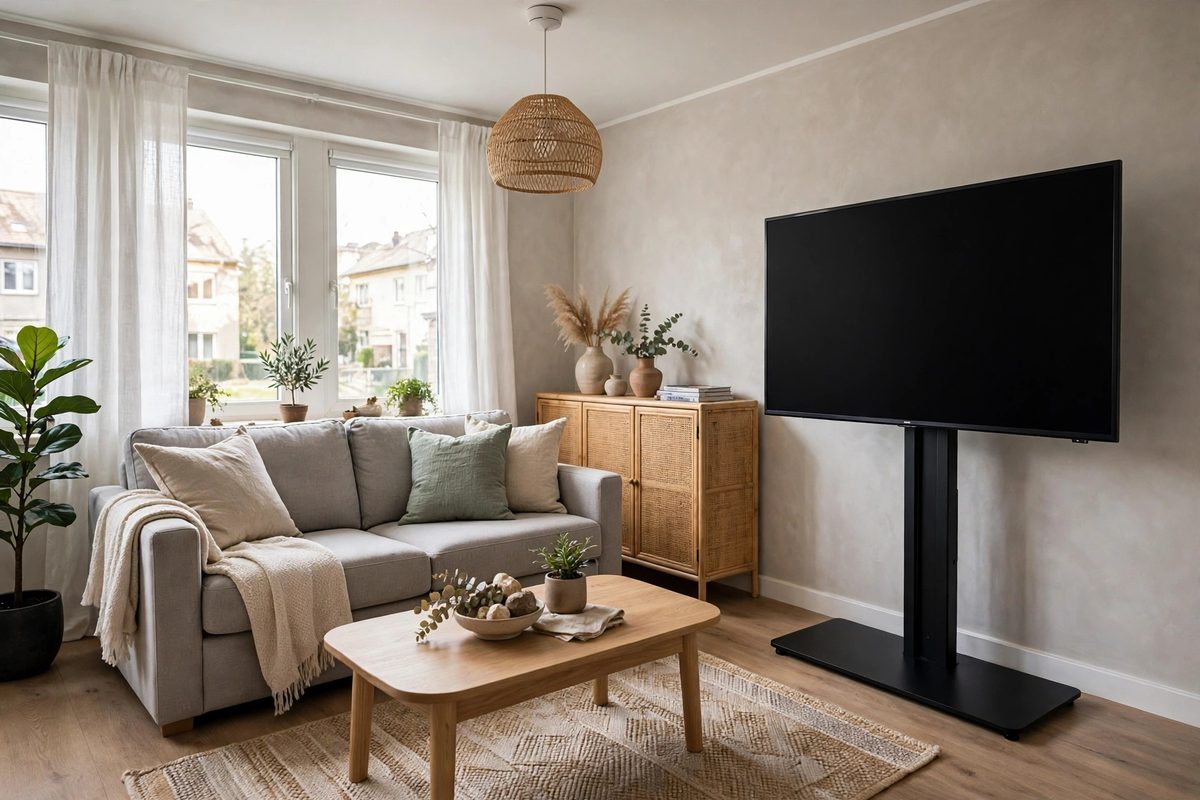
Rental living room with a large TV on a freestanding floor stand beside a sofa, cables hidden along the stand column
In This Guide
A renter friendly TV mount holds your television securely without a single hole in the wall, using a floor stand, a tabletop stand, a tension pole, or a freestanding console instead. It exists because most leases ban wall fixings, and a deposit deduction for anchor holes can run 100 dollars or more per wall, far more than a good stand costs. The right no-drill option gives you the floating look of a wall-mounted TV, with the TV at eye level and cables hidden, while the wall behind it stays untouched.
The number that decides everything is weight. A 32-inch TV typically weighs 11 to 15 pounds, a 43-inch TV weighs 20 to 25 pounds, a 55-inch TV weighs 35 to 45 pounds, a 65-inch TV weighs 50 to 60 pounds, and a 75-inch TV weighs 70 to 85 pounds, before you add a soundbar. Every stand and pole in this roundup carries a stated weight rating, and the rule is simple: keep your TV plus soundbar under 80 percent of that rating. This guide covers floor stands, tabletop stands, tension-pole mounts, adhesive options with honest limits, freestanding consoles, cable management, viewing height, and the landlord and deposit angle. For the same no-hole approach in the rest of the room, see no-drill shelves for renters.
1. Swivel Floor Stands for the Classic Floating Look
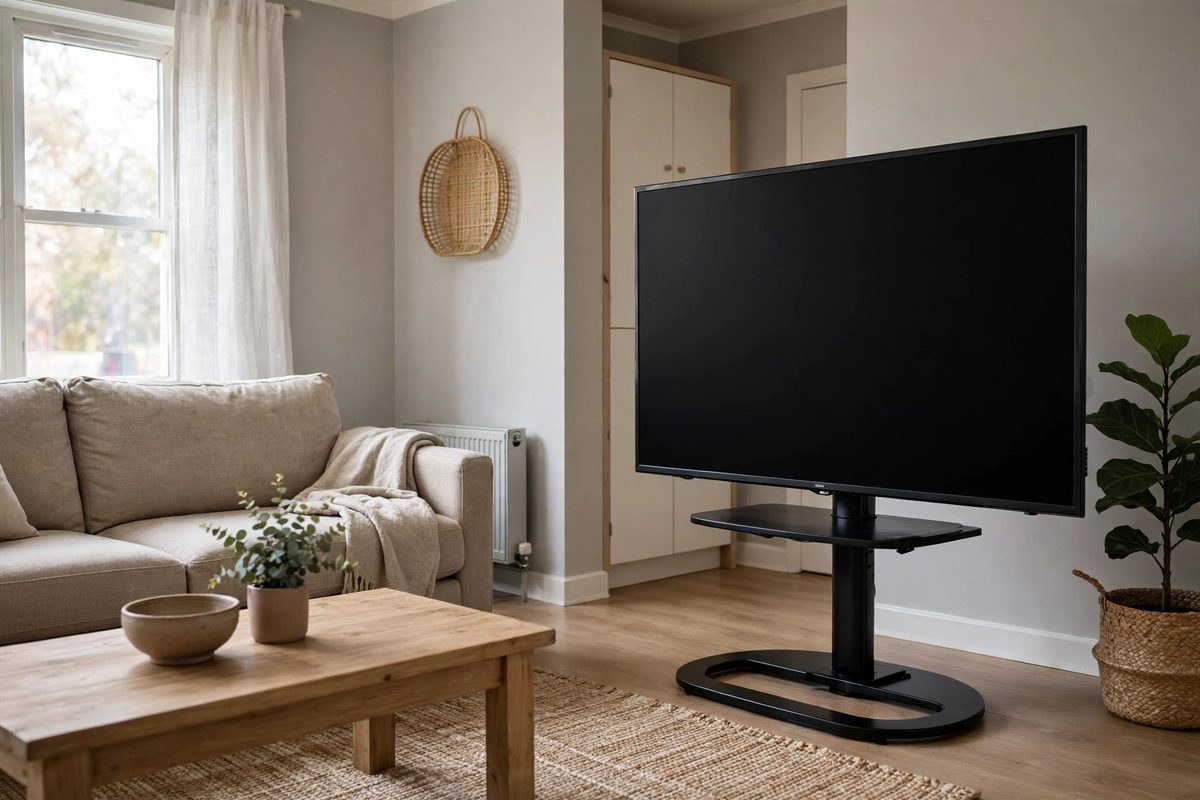
A swivel floor stand is the closest no-drill substitute for a wall-mounted TV. A heavy steel base sits on the floor, a vertical column rises to the TV bracket, and the TV bolts to a standard VESA plate, the same mounting pattern used on the back of almost every flat-screen TV. Most floor stands support 55 to 65-inch TVs and carry weight ratings of 66 to 88 pounds, which covers a 55-inch TV at 35 to 45 pounds with room to spare for a small soundbar shelf.
Swivel matters more than renters expect. A stand that turns 30 to 45 degrees each way lets one TV serve a sofa and a dining table, or a bed and a desk, without moving the base. Check the swivel lock before you buy: a stand that drifts after you set the angle will slowly turn toward the window over a week. The base footprint is typically 20 to 24 inches wide and 15 to 18 inches deep, so measure your floor space and make sure the base does not block a walkway or a floor vent.
Stability comes from the base weight and shape, not from the wall. A wide, flat base with rubber feet grips hard floors and low-pile carpet well, but thick plush carpet can make a narrow base wobble. On carpet, choose a stand with the widest base you can find, and test it by pressing the top corners of the TV gently after setup. If the TV rocks more than a slight flex, move the stand to a hard floor spot or add a flat board under the base to spread the load.
2. Tabletop Stands That Raise a Low TV
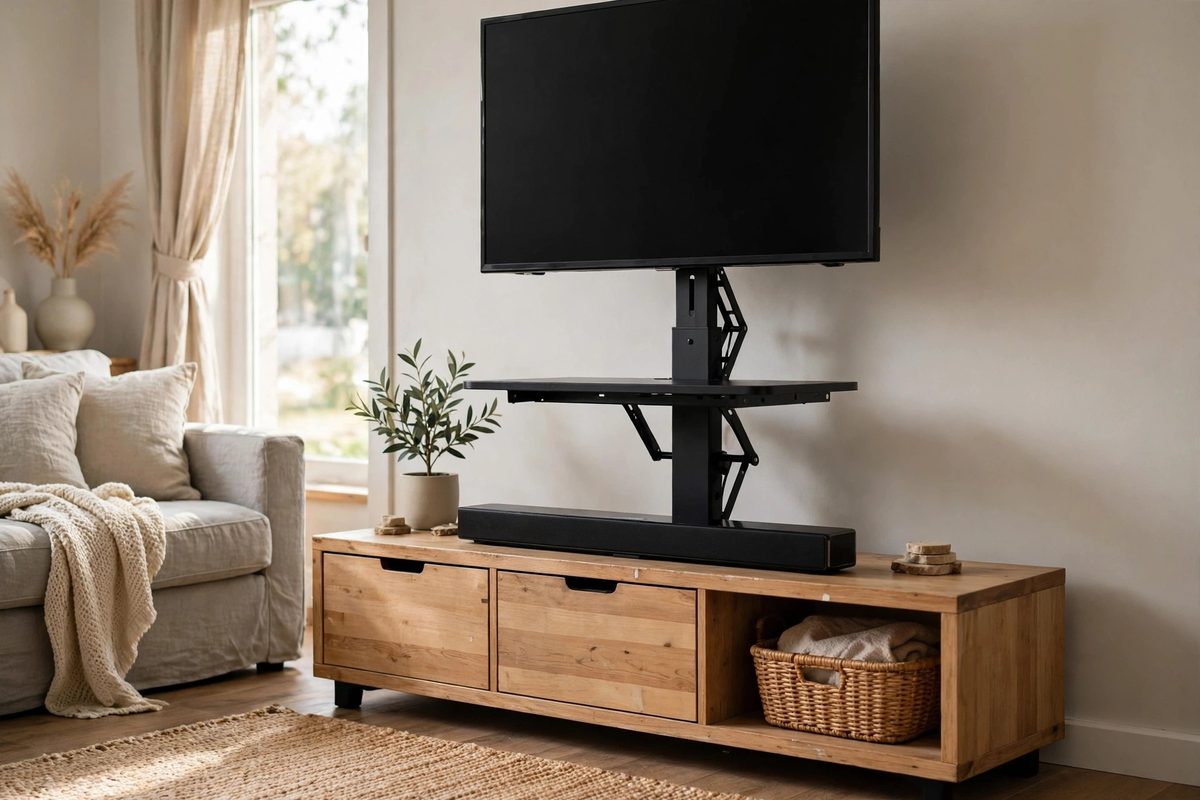
Tabletop stands solve a different problem: your TV sits on a console or dresser that is too low, so you watch with your neck tilted down. A tabletop riser stand bolts to the TV’s VESA plate and lifts it 6 to 12 inches above the furniture surface, with many models adding a shelf for a soundbar or streaming box underneath. They typically support 32 to 55-inch TVs up to 44 to 66 pounds, and they cost 25 to 60 dollars, the cheapest real upgrade in this roundup.
Measure before you order. Check your TV’s VESA pattern, usually printed in the manual as numbers like 200 by 200 millimeters or 400 by 400 millimeters, and confirm the stand lists that pattern. Then measure the furniture depth: the stand base needs at least 10 to 12 inches of depth to sit safely, and the TV must not overhang the front edge of the console. A TV that overhangs by even an inch is a tip risk if a child or pet bumps the furniture.
Tabletop stands also fix cable clutter, since most have a hollow column or clips that route the power and HDMI cables down the back of the stand instead of letting them dangle. Keep the cables slightly slack at the TV end, not pulled taut, so swiveling or adjusting the TV does not yank a connector. This is the best pick for a bedroom TV on a dresser, where a floor stand would eat floor space you do not have.
3. Tension-Pole Mounts From Floor to Ceiling
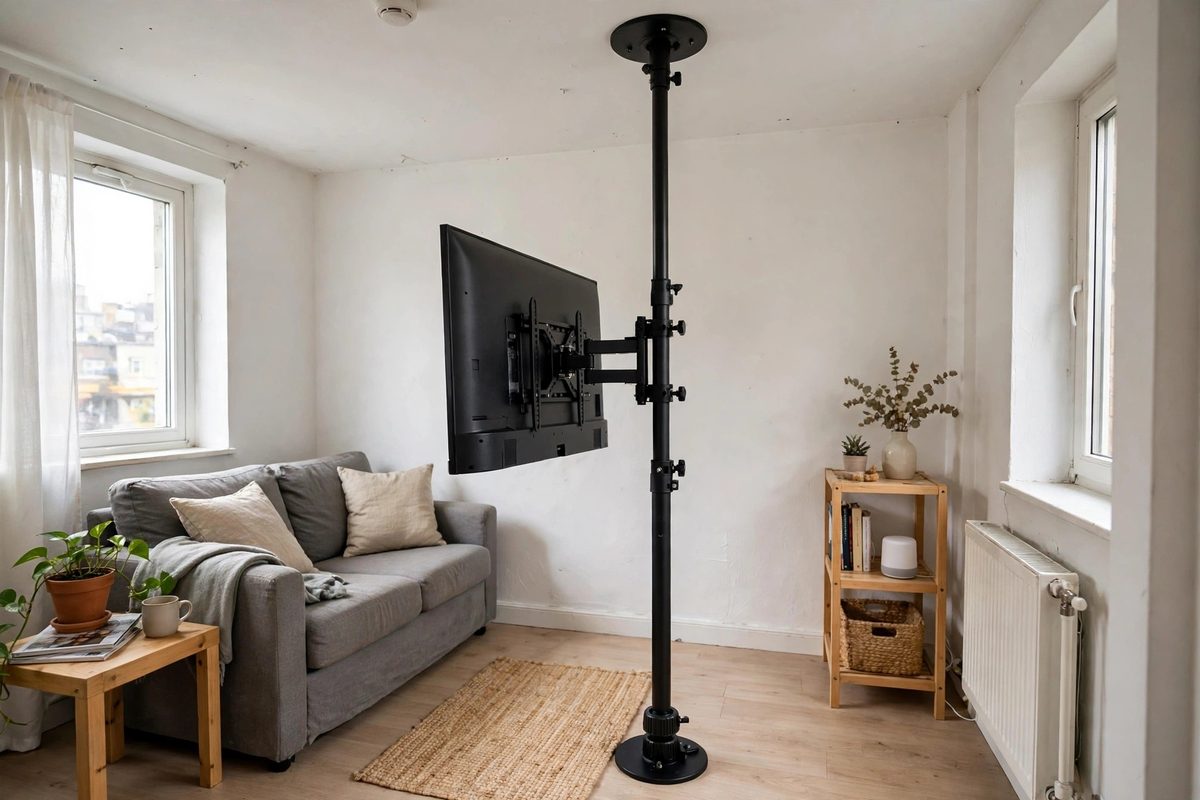
A tension-pole TV mount wedges a vertical pole between the floor and the ceiling, and the TV bracket clamps to the pole at viewing height. No wall contact, no adhesive, and no floor footprint beyond the pole base, which is why it works so well in small apartments and studio layouts where a floor stand base would crowd the room. Typical tension-pole mounts support 32 to 65-inch TVs up to 55 to 77 pounds, and they cost 70 to 140 dollars.
The ceiling is the constraint. Tension poles need a flat, solid ceiling and a flat floor, and they do not work under sloped ceilings, popcorn ceilings that crumble under pressure, or drop ceilings with soft tiles. Measure floor to ceiling height at the exact spot, not the room average, since ceilings can vary by half an inch or more across a room. Most poles adjust across a range like 7 feet 6 inches to 9 feet 6 inches, so confirm your height falls inside that range with room to spare.
Install it the way the manual describes, and recheck the tension after the first week. Extend the pole until snug, lock the collar, mount the TV, then push the TV gently from the side. It should flex slightly and return, not slide or lean. Carpet compression can loosen a pole slightly as the base settles, so a one-week re-tighten is part of the job, not a sign of failure. Keep heavy items off the pole itself, and never hang anything else from the TV bracket.
4. Freestanding Consoles That Hold TV and Storage Together
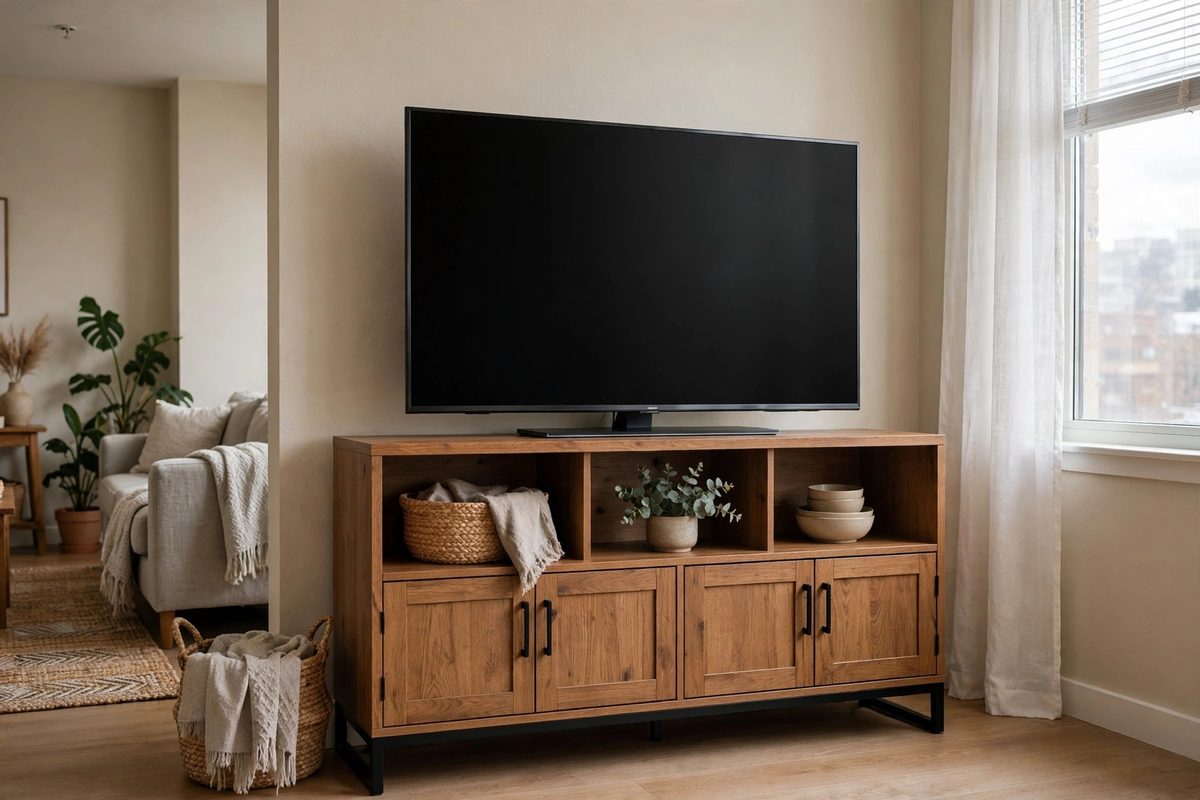
A freestanding TV console is furniture, not a mount, and that is its strength. The TV sits on top of a low cabinet, or bolts to a bracket panel built into the back of the console, while the cabinet holds a console, streaming boxes, games, and books behind closed doors. Consoles made for 55 to 65-inch TVs are typically 47 to 70 inches wide, hold 100 to 150 pounds on top, and cost 90 to 250 dollars depending on material and storage.
Width is the sizing rule here. The console should be at least as wide as the TV, and ideally 4 to 8 inches wider on each side, so the TV does not visually overhang and so there is room for a speaker or plant beside it. A 55-inch TV is about 48 inches wide, so a 58 to 65-inch console fits it well. A 65-inch TV is about 57 inches wide, so look at 65 to 70-inch consoles. A console narrower than the TV looks top-heavy and leaves no safe place to set the remote down without knocking it off.
Cable management is built into good consoles through holes in the back panel and a hollow space behind the shelves. Route power strips inside the cabinet, not on the floor behind it, and leave 2 inches of airflow space around a games console or streaming box so it does not overheat in a closed cabinet. If you want the console to match the rest of a no-drill room, pair it with DIY room decor for small apartments.
5. Corner Floor Stands for Awkward Living Rooms
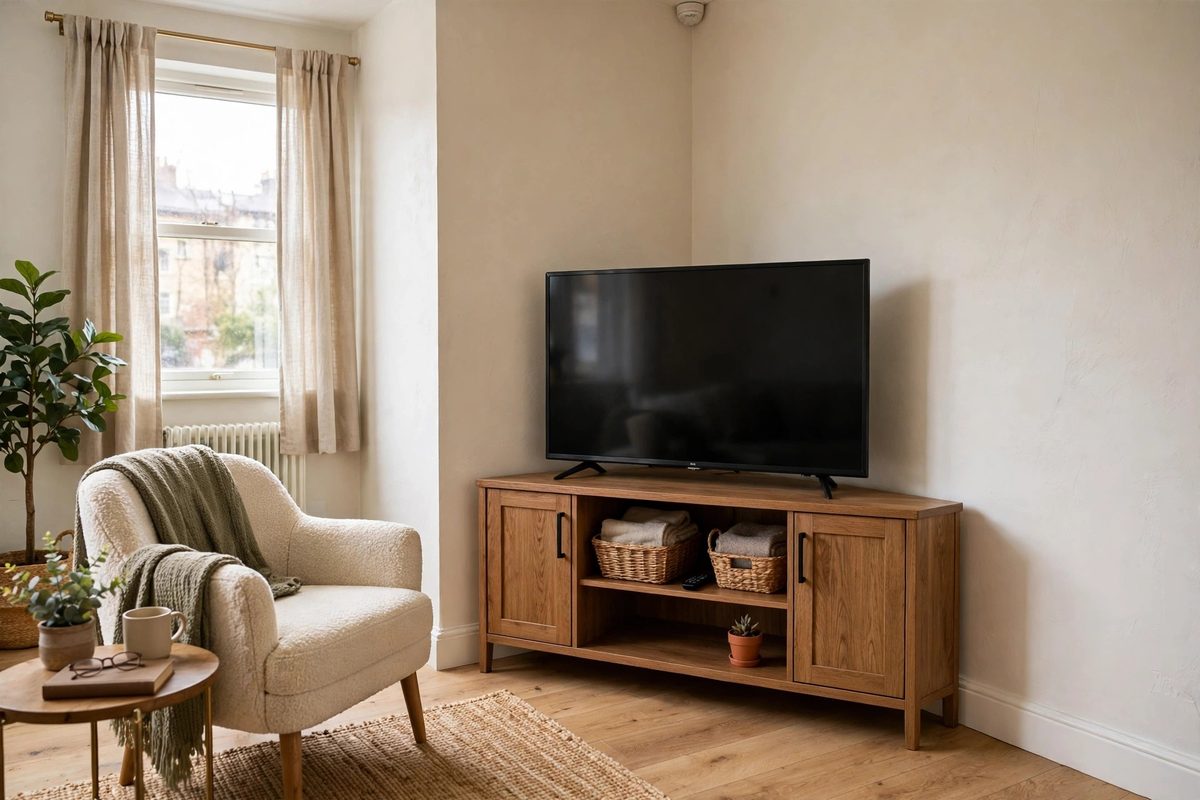
Corner floor stands are shaped for the spot other stands waste: the corner of a living room or bedroom where two walls meet at an angle. The base is triangular or angled, the column sits at the back, and the TV faces diagonally into the room, which can open up a small living room by freeing the long wall for a sofa, shelves, or a desk. Most corner stands support 32 to 55-inch TVs up to 44 to 66 pounds, and they cost 50 to 110 dollars.
Viewing distance is the check that matters in a corner setup. A 55-inch TV wants about 7 to 9 feet of viewing distance, and a corner placement in a small room can easily put the sofa only 5 to 6 feet away, which makes the picture feel too large and tiring over a long evening. Measure sofa to TV distance before you buy, and size down to a 43-inch TV if the corner forces a short distance. The stand’s swivel helps here too, letting you angle the TV toward the main seat rather than splitting the difference between two seats.
Corner stands also need a flat floor on both sides of the corner, since an angled base rocks if one foot sits on a rug edge and the other on hard floor. Either run the rug fully under the base or keep the base fully off the rug. Test stability the same way as a standard floor stand: press the top corners gently and confirm the TV returns to center without rocking.
6. Rolling TV Carts for Flexible Rooms
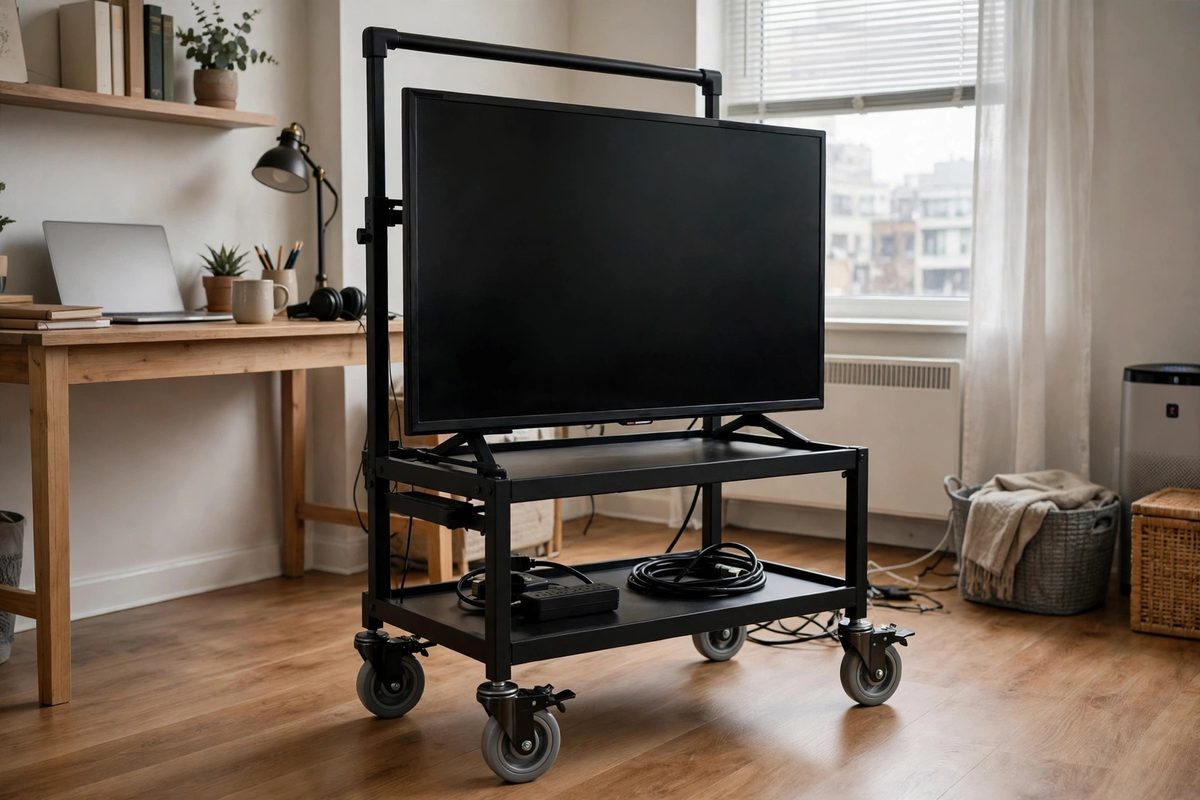
A rolling TV cart puts the TV on a wheeled floor stand, so one television can serve a living room by night and a home office or workout space by day. The cart has a wide wheelbase, locking casters, and a height-adjustable column, and most models support 32 to 65-inch TVs up to 88 pounds, with commercial-grade carts rated to 110 pounds. Prices run 80 to 180 dollars, and locking casters are non-negotiable: a cart that rolls when bumped is a hazard, not a feature.
Wheel locks are the safety story. Lock all four casters every time the TV stops moving, and test the lock by pushing the cart firmly before you walk away. On hard floors, rubber-tread casters grip better than hard plastic wheels. On carpet, larger wheels of 3 inches or more roll more easily and are less likely to catch on rug edges. Keep the power cable routed along the column with a cable clip and leave enough slack for the full rolling range, so moving the cart never yanks the plug from the wall.
Rolling carts are also the best answer for a TV that must move for a landlord inspection, a deep clean, or a room rearrangement, since the whole setup moves in one push. Just remember the viewing height changes nothing about safety: lock the wheels, keep the TV centered over the wheelbase, and never let children climb the cart frame. For a matching no-hole wall update behind the cart, see renter-friendly accent wall with glue, no screws.
7. Adhesive TV Solutions and Their Honest Weight Limits
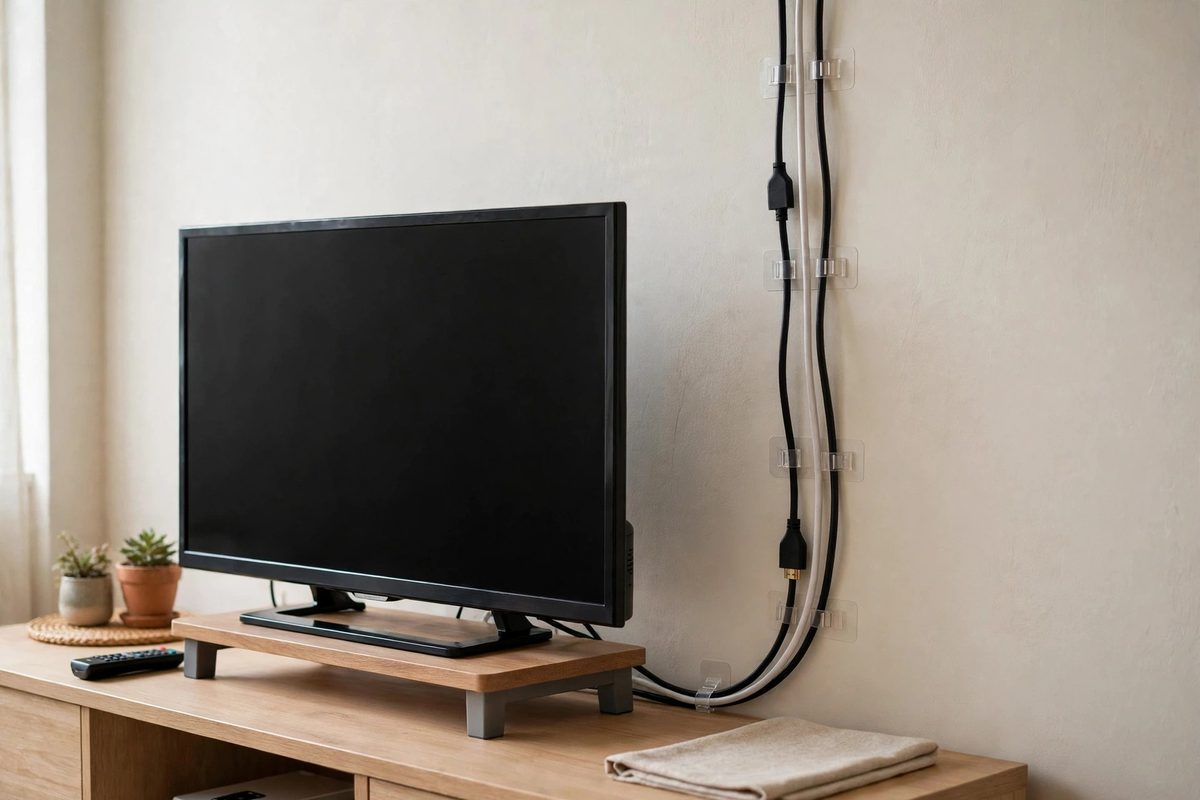
Adhesive TV solutions need the most honest framing in this roundup, because the gap between marketing and physics is widest here. Adhesive TV brackets and adhesive mounting plates exist, and they are typically rated for 10 to 22 pounds, which covers a small 24 to 32-inch TV at 8 to 15 pounds, and nothing larger. They do not safely hold a 43-inch TV at 20 to 25 pounds, and they absolutely do not hold a 55-inch TV at 35 to 45 pounds. Any listing that claims an adhesive pad holds a 65-inch TV is one you should walk away from.
The surface rules are strict. Adhesive holds only on smooth, clean, nonporous surfaces like smooth tile, glass, or glossy painted drywall in good condition. It fails on textured plaster, brick, wallpaper, and matte or chalky paint, because the adhesive cannot grip evenly and the paint layer itself can peel away under load. Heat from a radiator or direct sun softens adhesive, and bathroom humidity weakens it over weeks, so adhesive TV mounts belong in a cool, dry room on a verified smooth surface, if they belong anywhere.
Where adhesive genuinely helps every TV setup is cable management, not TV support. Adhesive cable clips rated for a few ounces each hold HDMI and power cables flat against a wall or along a stand column, with zero damage on removal if you pull the tab correctly. Use adhesive for cables, use a stand or pole for the TV itself, and you get the clean look without betting a 500 dollar television on a strip of foam tape. If a product page gives no weight rating in pounds, treat that as a no.
8. Easel and Tripod Stands for a Designer Look
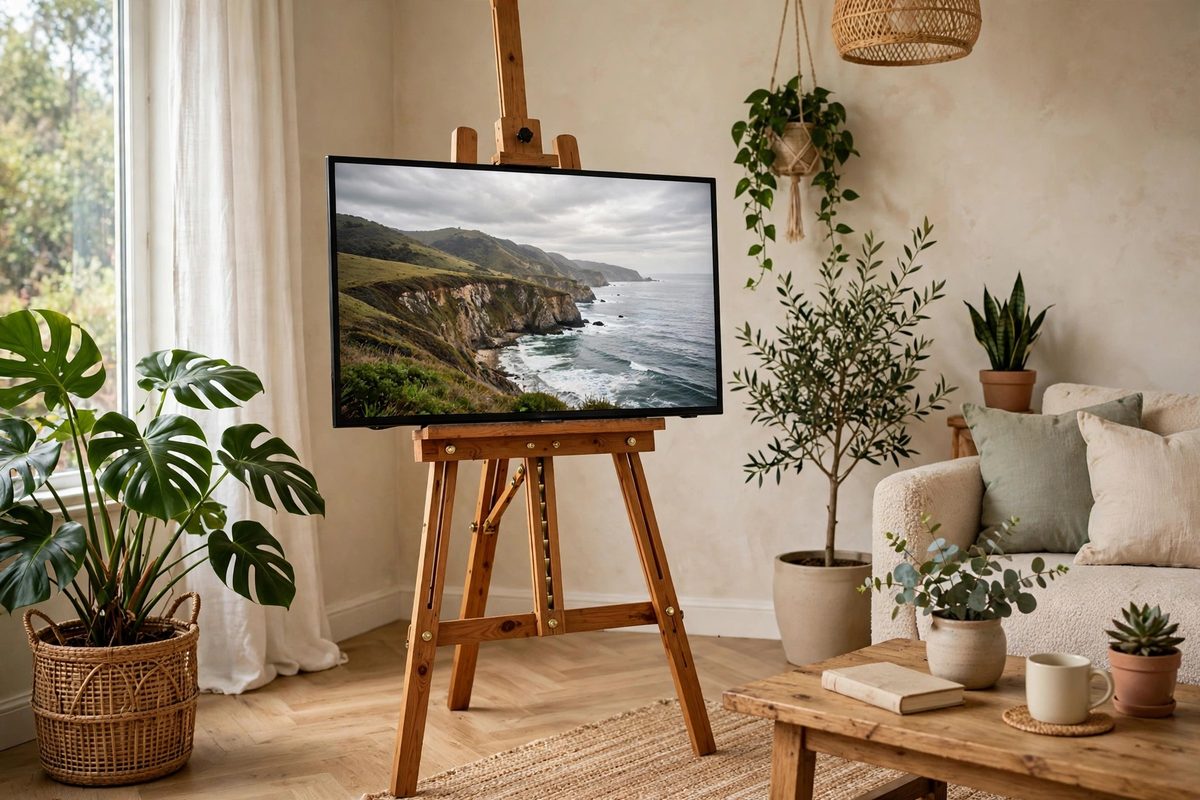
Easel and tripod TV stands borrow the shape of an artist’s easel: three or four legs splay from a central column, and the TV bolts to the column like a canvas. They look intentional in a way a basic floor stand does not, which is why they show up in styled rental tours and small studio apartments where the TV is part of the decor. Most easel stands support 42 to 65-inch TVs up to 55 to 77 pounds, and they cost 90 to 200 dollars, with wood-leg versions at the higher end.
The footprint is larger than it looks in photos. Tripod legs spread 28 to 36 inches wide at the floor, so an easel stand needs more floor space than a flat-base floor stand, and it is a poor pick for a narrow walkway or a room where people cut closely past the TV. It is a great pick for an open corner or a studio where the TV floats in the room and is seen from behind as well as from the front, since the back of an easel stand looks finished rather than industrial.
Stability on an easel stand depends on leg spread and floor grip. Keep all feet flat on the same surface, never with one leg on a rug and the others off it, and tighten the leg locks after the first week, since the legs settle slightly under the TV’s weight. If your household has toddlers or large dogs, a flat-base floor stand or a console is the safer choice, because a tripod leg is easier to trip over than a flat base is to tip.
9. Bedroom and Small-Space TV Stands
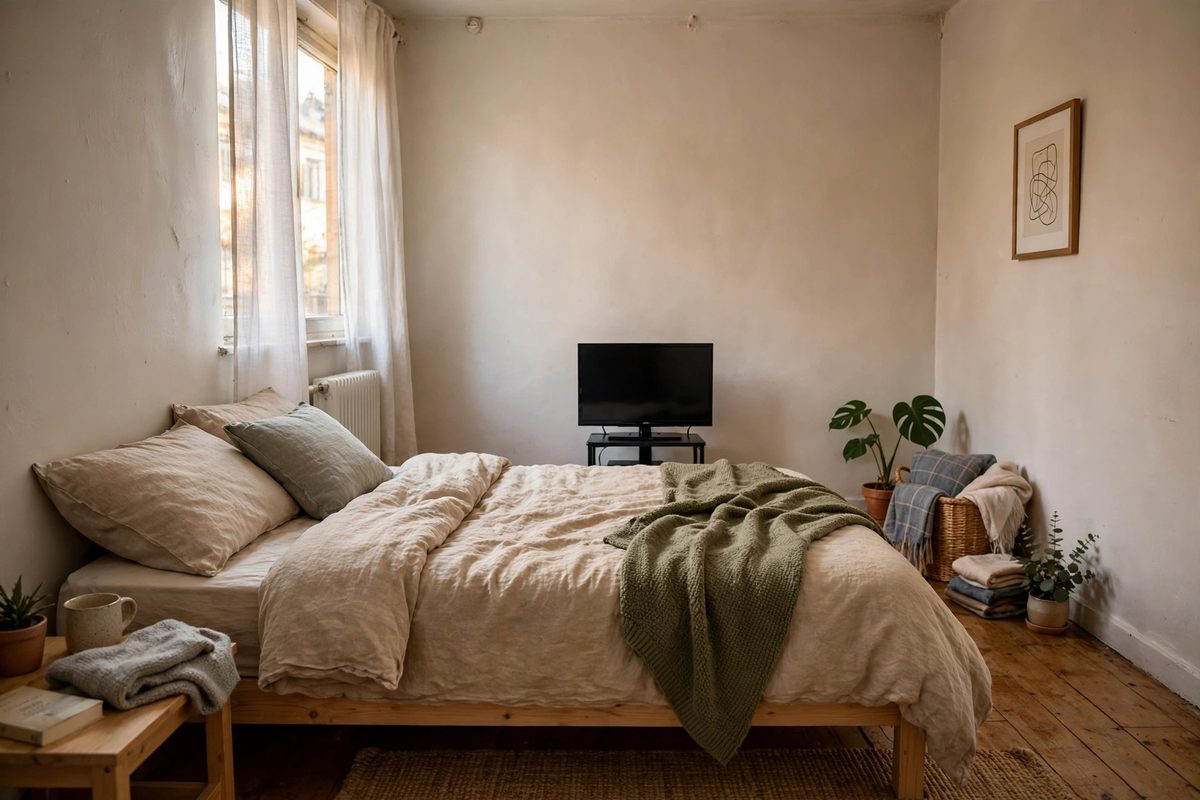
Bedroom TVs have different geometry from living room TVs: you watch lying down, the viewing distance is shorter, and the stand must fit at the foot of a bed or on a narrow dresser without blocking a closet door. A compact floor stand with a small base, a low tabletop stand on a dresser, or a rolling cart pushed to the foot of the bed all work, and the sizing rule is to match the stand to a 32 to 43-inch TV, which at 11 to 25 pounds is the realistic bedroom range. A 55-inch TV in a bedroom that only allows 6 feet of viewing distance will feel oversized and strain your eyes.
Viewing height in bed is lower than on a sofa. The center of the TV screen should sit roughly at your eye level when you are propped up on pillows, which is usually 36 to 42 inches from the floor for a bed, compared with 42 to 48 inches for a sofa setup. A height-adjustable floor stand lets you dial this in exactly, while a fixed tabletop stand on a tall dresser can put the TV too high and leave you tilting your head back all evening. Measure pillow eye height before you order, not after.
Small-space stands also need a cable plan that does not cross a walkway. Route cables down the stand column, along the baseboard with adhesive clips, and into a power strip tucked behind the dresser, never across the floor to the nearest outlet. A cable across a bedroom floor in the dark is a trip hazard, and a tripped cable can pull a tabletop TV off a dresser. For more small-space ideas that stay deposit-safe, see how to hang shelves without drilling or studs.
10. Stability, Cables, Viewing Height, and the Deposit Check
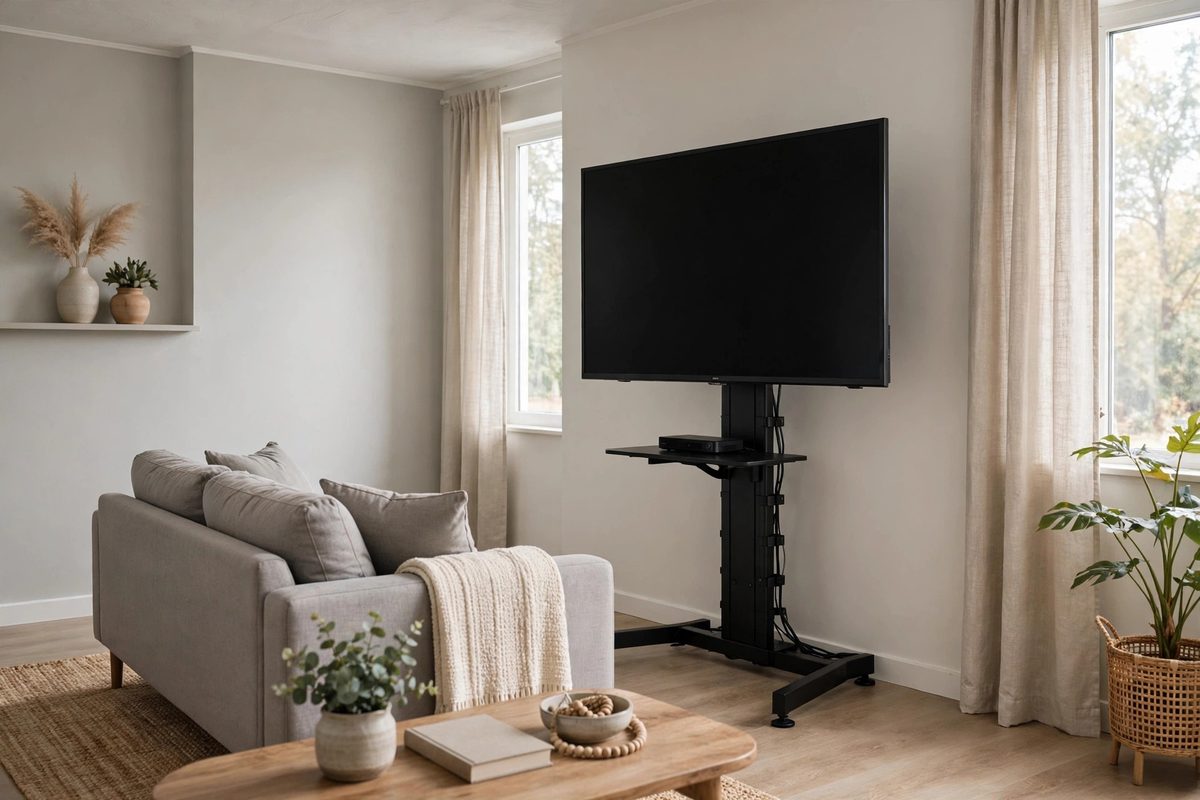
Stability is a checklist, not a feeling. After setup, press the top corners of the TV gently from the front and from the side, and confirm the TV returns to center without rocking or sliding. Check that the TV sits centered over the stand base, that all feet or casters touch the floor evenly, and that the total TV plus soundbar weight stays under 80 percent of the stand rating. Recheck after the first week, after moving the stand, and after any house guest or pet bumps it. A stand that passed on day one can loosen as carpet compresses or as a locking collar settles.
Cable management finishes the floating look and removes the trip hazard. Use the stand’s hollow column first, then adhesive cable clips along the baseboard for any cable that must reach the wall outlet, and a cable sleeve for the bundle behind a console. Keep power and HDMI cables slightly slack, label the power strip so a guest does not unplug the wrong device, and never run a cable under a rug where foot traffic will wear through the insulation over time. A tidy cable run also makes the setup look wall-mounted in photos, which is the look most renters are after.
Viewing height and distance tie the setup together. Center the screen at seated eye level, about 42 inches from the floor for a standard sofa, and keep viewing distance at roughly 1.5 to 2 times the screen diagonal: about 6 to 7 feet for a 43-inch TV, 7 to 9 feet for a 55-inch TV, and 8 to 11 feet for a 65-inch TV. Finally, run the deposit check. Photograph the wall behind the TV at move-in and at move-out, confirm there are no holes, no adhesive residue, and no scuff marks from the stand base, and keep the stand manual and spare bolts in a labeled bag for the next rental. A no-drill TV setup should leave exactly nothing behind except a clean wall, which is why it is worth doing right. For a budget wall project to pair with the new TV wall, see renter-friendly tile wall under 150 dollars.